
Build with Zuse
Run coding agents in parallel against your real repositories, locally or in the cloud, and review everything they ship in one place.
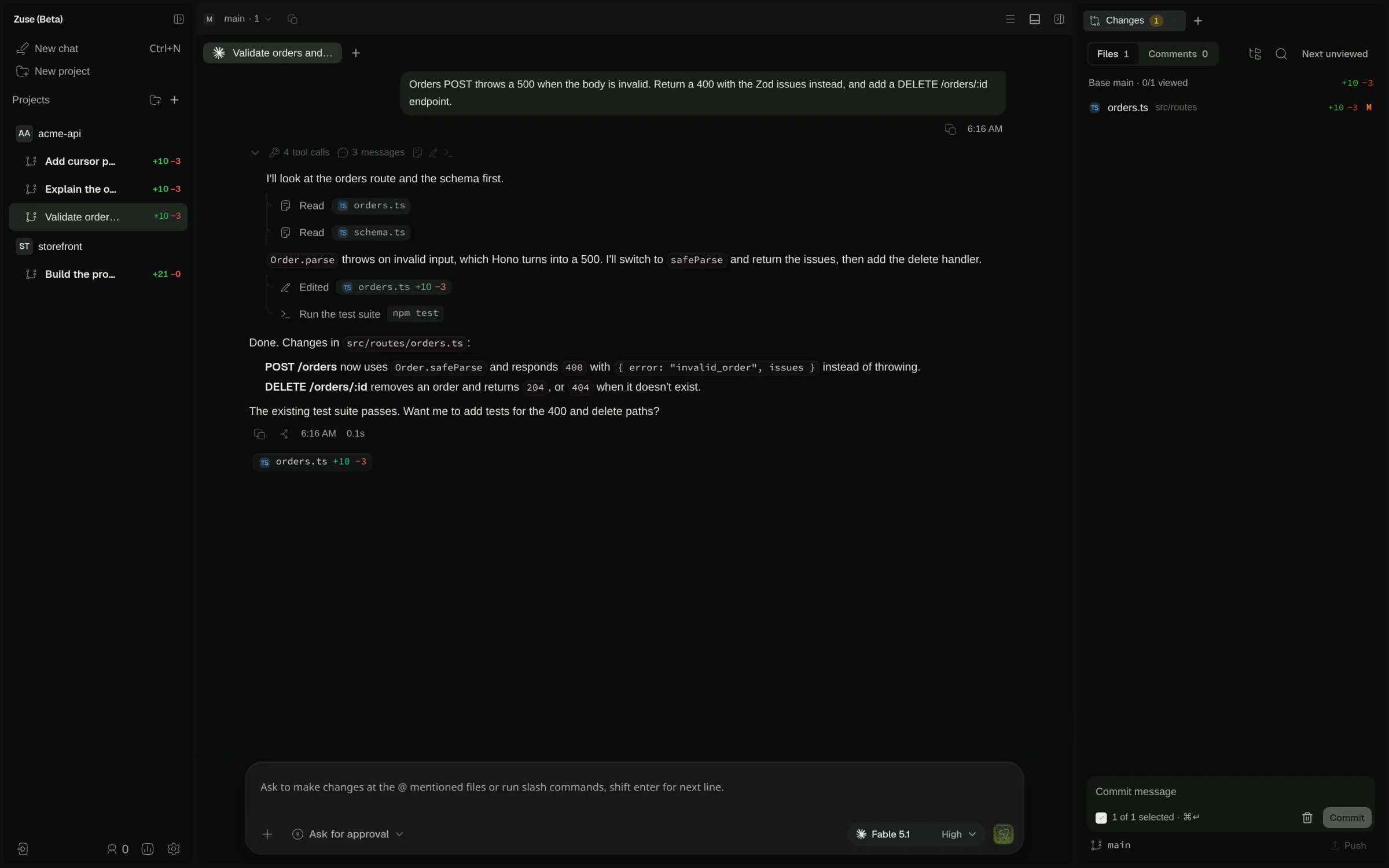
Use Zuse from anywhere
Desktop
The full app for macOS and Linux
Browser
Reach your environment from any browser
iPhone
Follow and steer agents on the go
Serve
Turn a Mac or Linux box into a host
What Zuse handles
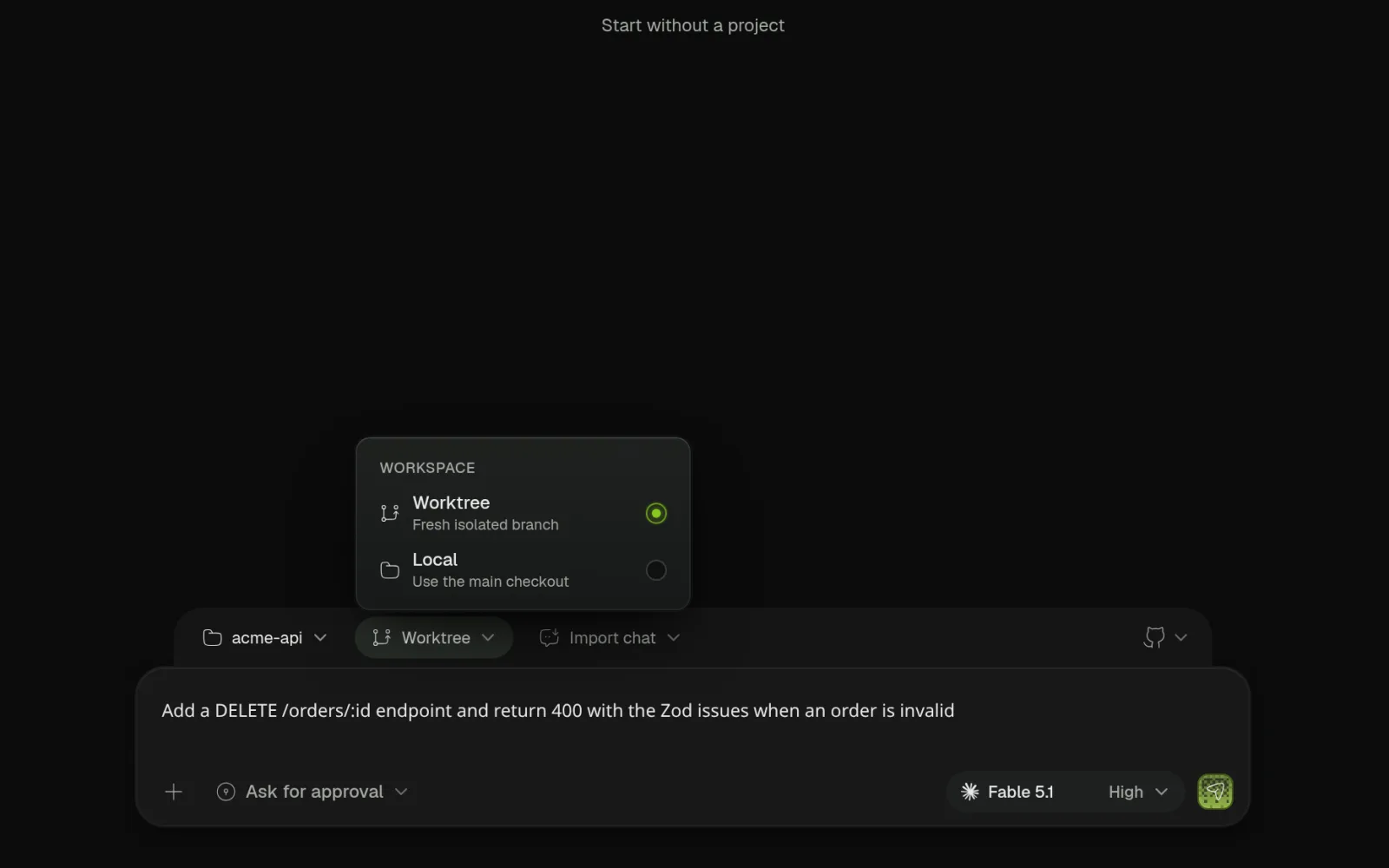
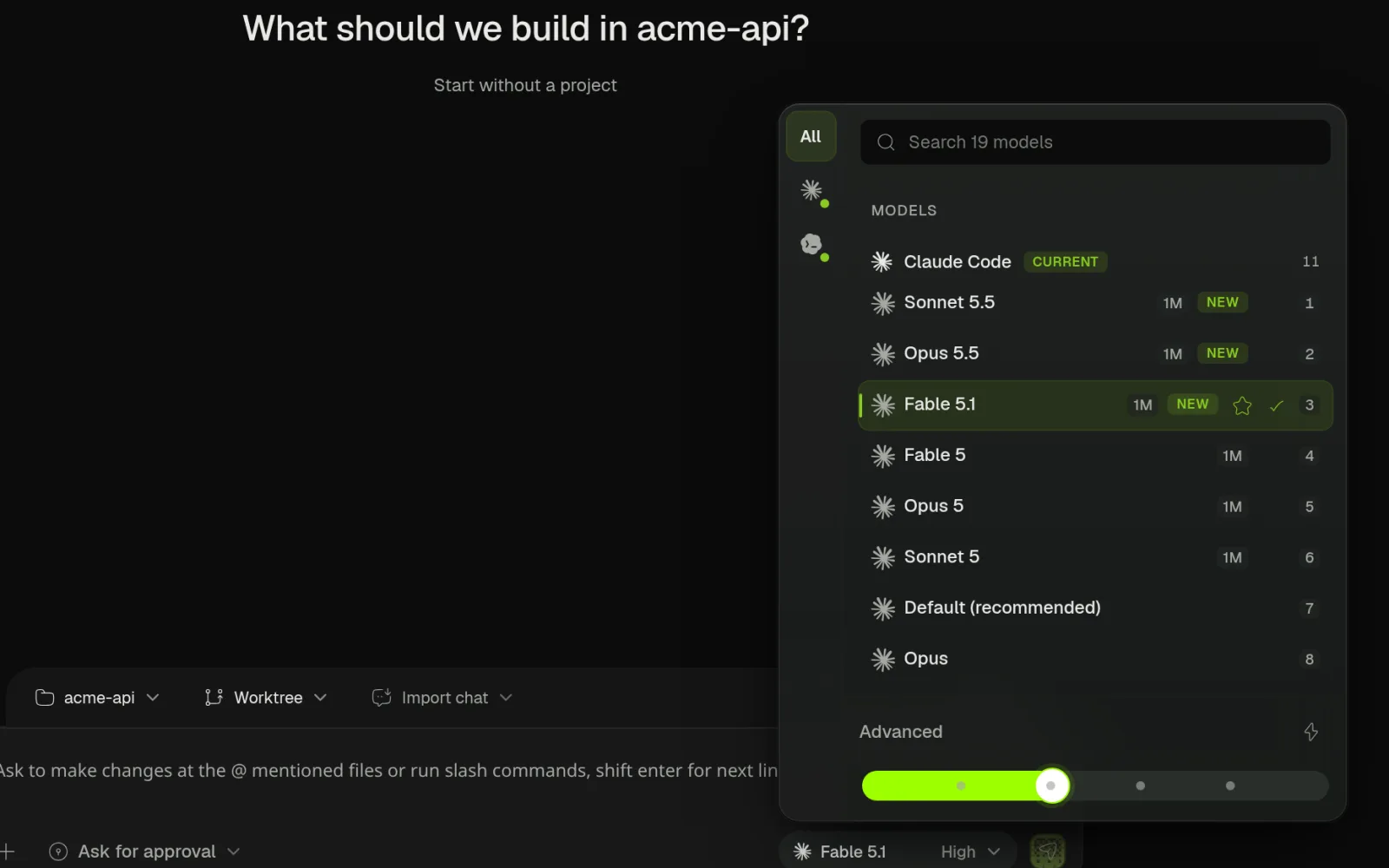
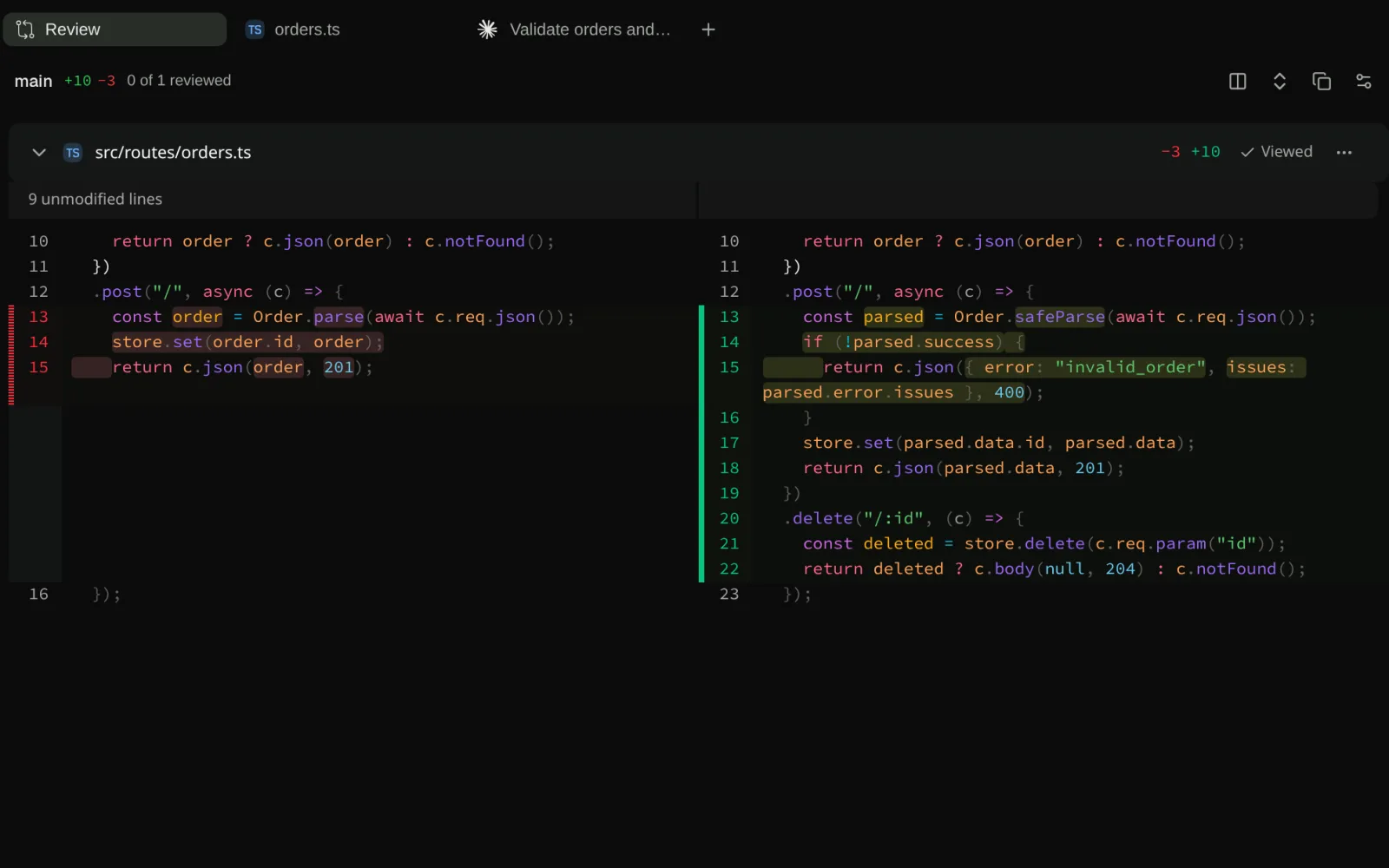
The shortest path
- Install Zuse and open it.
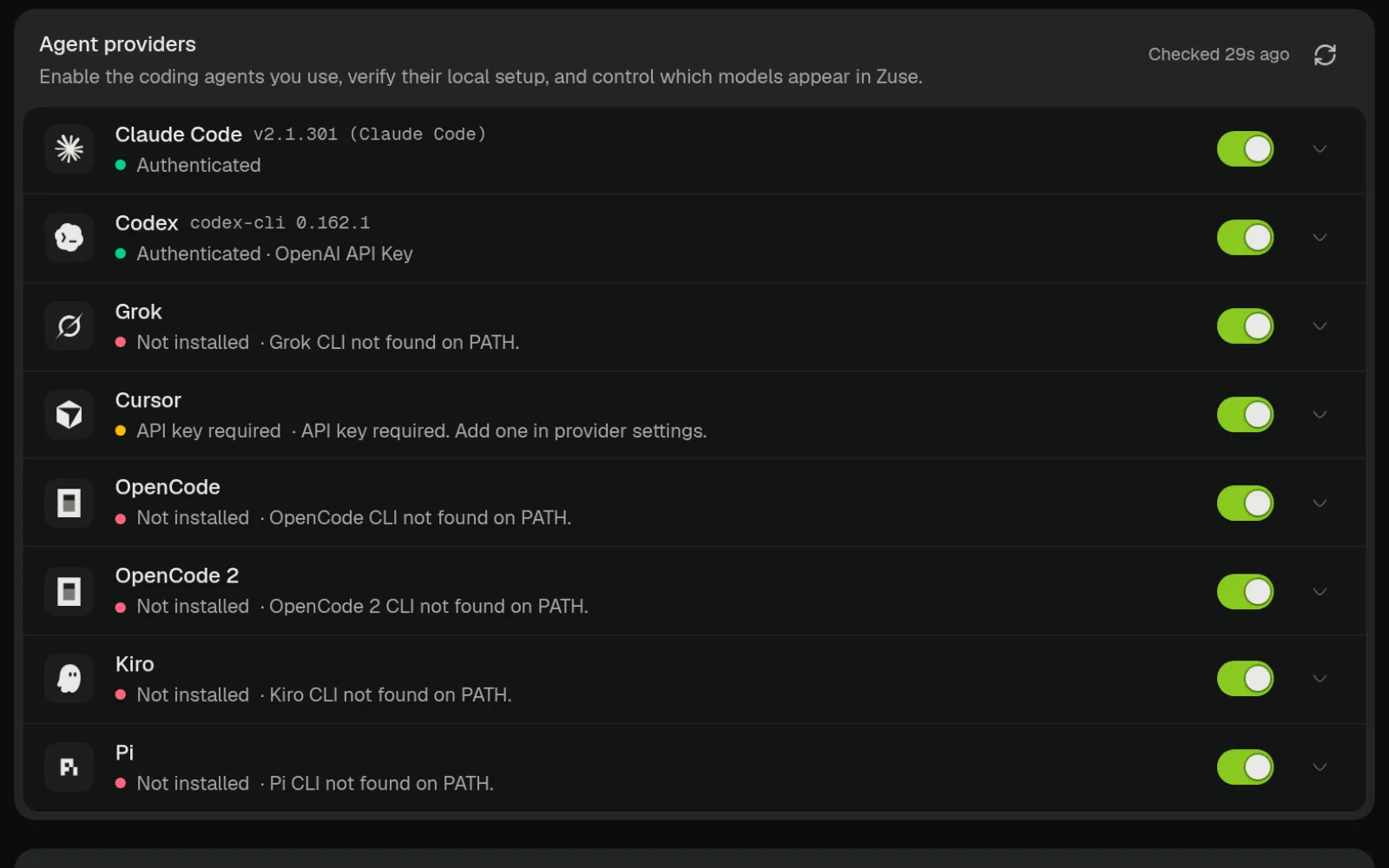
- Connect at least one supported provider.
- Open a Git repository as a project.
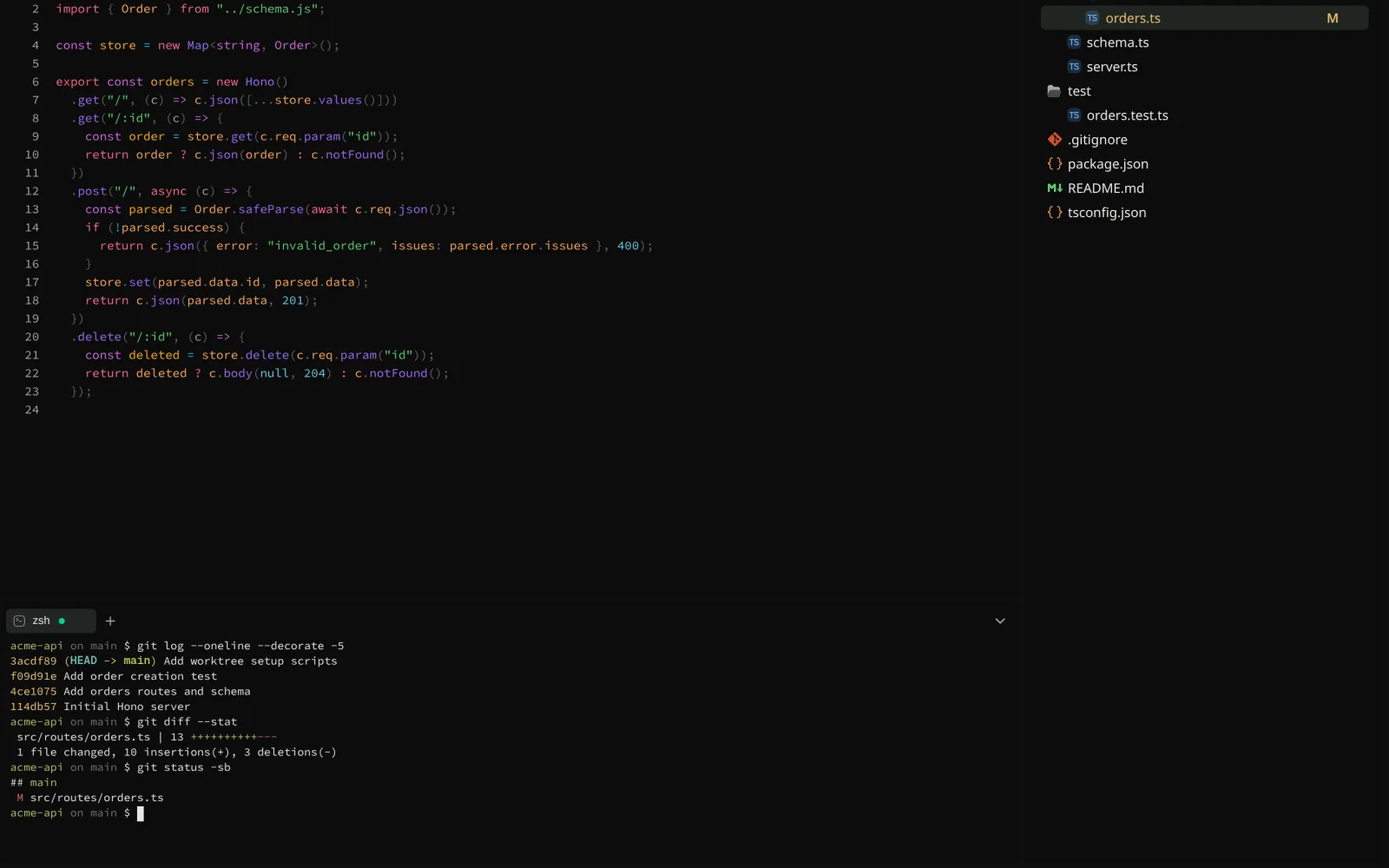
- Start a chat, choose its environment and permission mode, then describe the outcome you want.
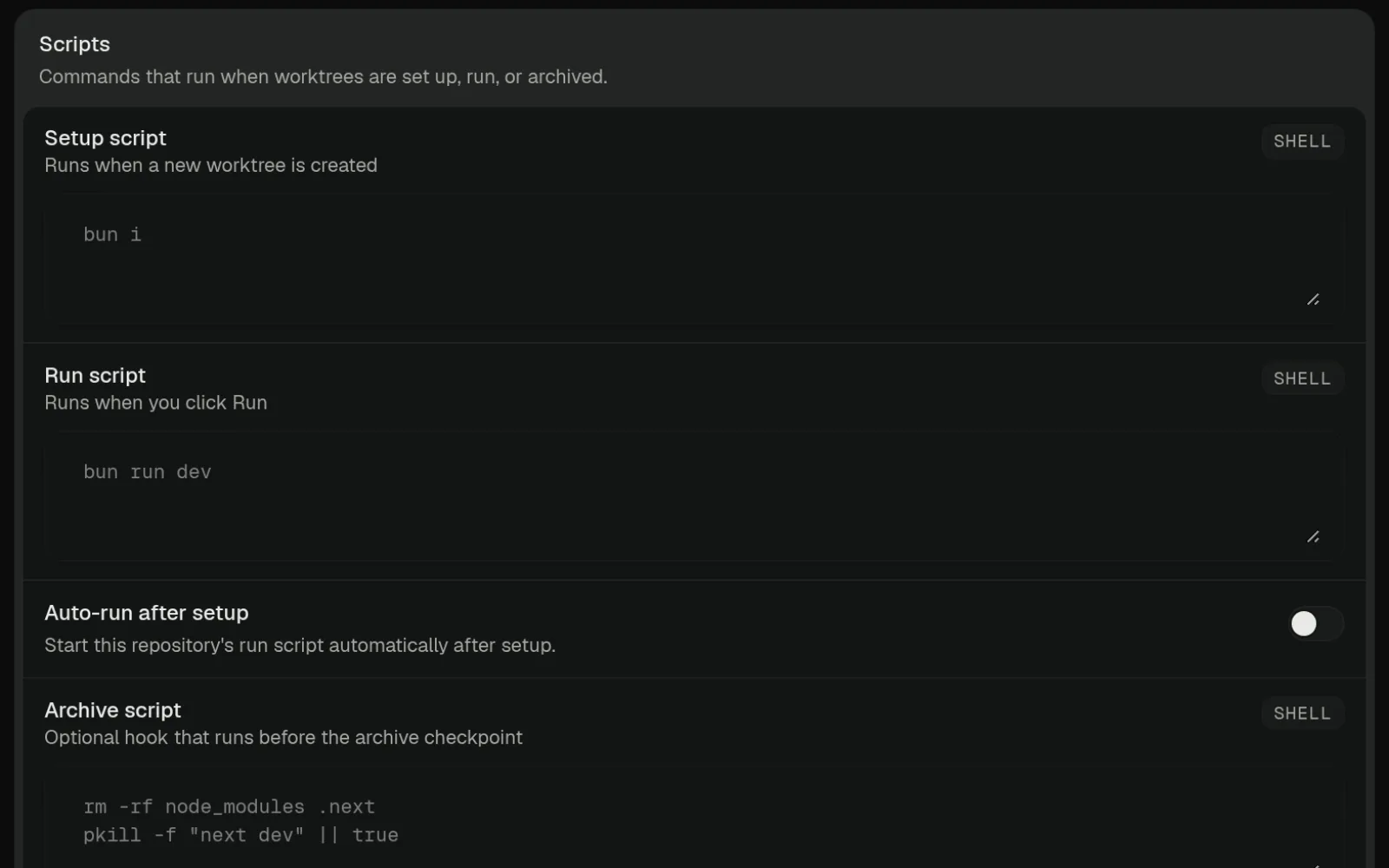
- Review the agent's edits in Changes, run the project, and commit or open a pull request when the work is ready.
Zuse keeps the project, chat, message, and tool timeline on your computer. Closing the window does not turn a finished conversation into disposable terminal output.
Keep going
Create your first chat
Start a task and follow the agent's work
Core concepts
Projects, chats, sessions, and worktrees
Modes and permissions
Choose how much an agent can do on its own
Subagents
Split bounded work across agents
How-to guides
Step-by-step recipes for common tasks
Reference
Settings, keybindings, and schemas